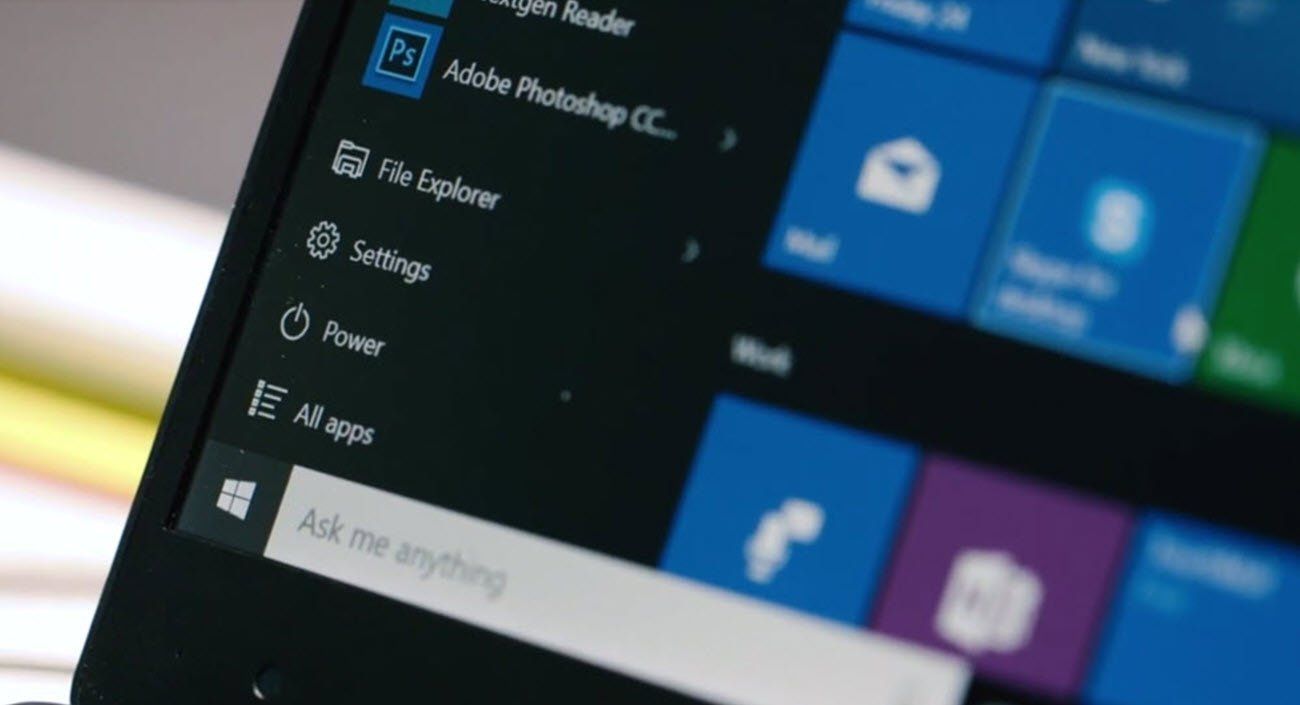


The monthly patch Tuesday security fixes was this week and Microsoft is warning Windows 10 users to update their operating system immediately because of two “critical” vulnerabilities.
Simon Pope, Microsoft’s director of Incident Response, wrote a blog post on Tuesday warning all Microsoft 10 users of the presence of wormable security exploits. Meaning affected computers could spread viruses and malware without any action on the user’s part.
The affected versions of Windows are Windows 7 SP1, Windows Server 2008 R2 SP1, Windows Server 2012, Windows 8.1, Windows Server 2012 R2, and all supported versions of Windows 10, including server versions.

How Serious is the Risk
The severity of the four Microsoft 10 wormable security exploits CVE-2019-1181, CVE-2019-1182, CVE-2019-1222, and CVE-2019-122 are pre-authentication. Once exploited, the vulnerabilities can move and penetrate even without user authentication.
The blog post described that upon successfully exploiting the vulnerability, an attacker executes an arbitrary code to the system. The attacker can have as much access as installing programs, viewing, changing or deleting data and even creating new accounts with full user rights.
READ ALSO: Why Future versions of Windows 10 won’t need passwords.
How To Do Windows 10 Update And Assure Safety
Windows 10 users that have enabled automatic updates are already protected. However, it pays to be sure that the automatic operating system update is enabled.
On the other hand, manual updating of the operating system can be done in a few easy steps. From the Start button look for settings then head to Update and Security, search for Windows Update and finally click the Check for Updates button
Windows 10 is the world’s most popular desktop operating system, according to Net MarketShare. Microsoft estimates that more than 800 million devices run on this OS and you can read about our 5 best practices on how to set up your new Windows 10 computer.


