


Uganda Revenue Authority(URA) plans to hit revenue collection target and they are turning to mobile based tax payment method as a medium to help deliver that target. We yesterday reported about their new partnership with Airtel Uganda which sees them launched an Airtel Money payment option dubbed Airtel Easy tax to help facilitate payment of taxes from a customers Airtel Money account.
The new Easy Tax service is an additional payment procedure added to the already existing arrays of payment methods used by Ugandans to clear their bills. Here is how you can use the new service and pay taxes using Airtel SIM card.
Step 1: To get started with these service you need to first go to URA online portal and get a Payment Registration Number(PRN).

Step 2: Get your phone registered with Airtel Money and Dail *185*4#
Step3: Choose Option 7 written “URA”

Step 4: And Select Option 1 written “Pay registered”

Step 5: Enter PRN/PTN number you wish to make payments for, in this case the one obtained from URA online portal.
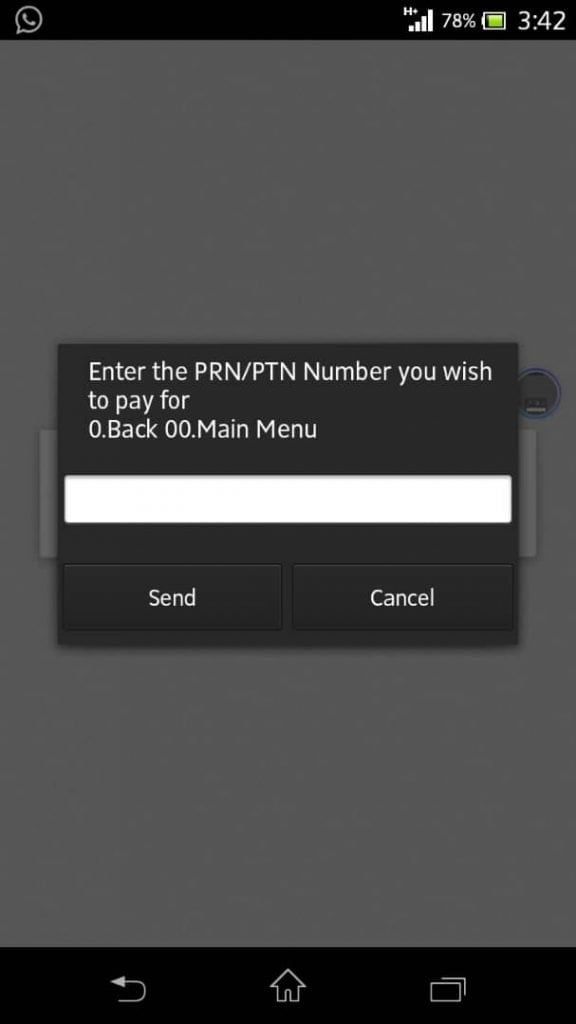
Step 6: Enter your mobile money PIN and you’ll receive a confirmation message upon completion of the process.
Keep in mind, when applying for the PRN number from URA it capture the details of your tax type and the amount you would wish to pay for the service so you shouldn’t enter any amount when using this invoice.


