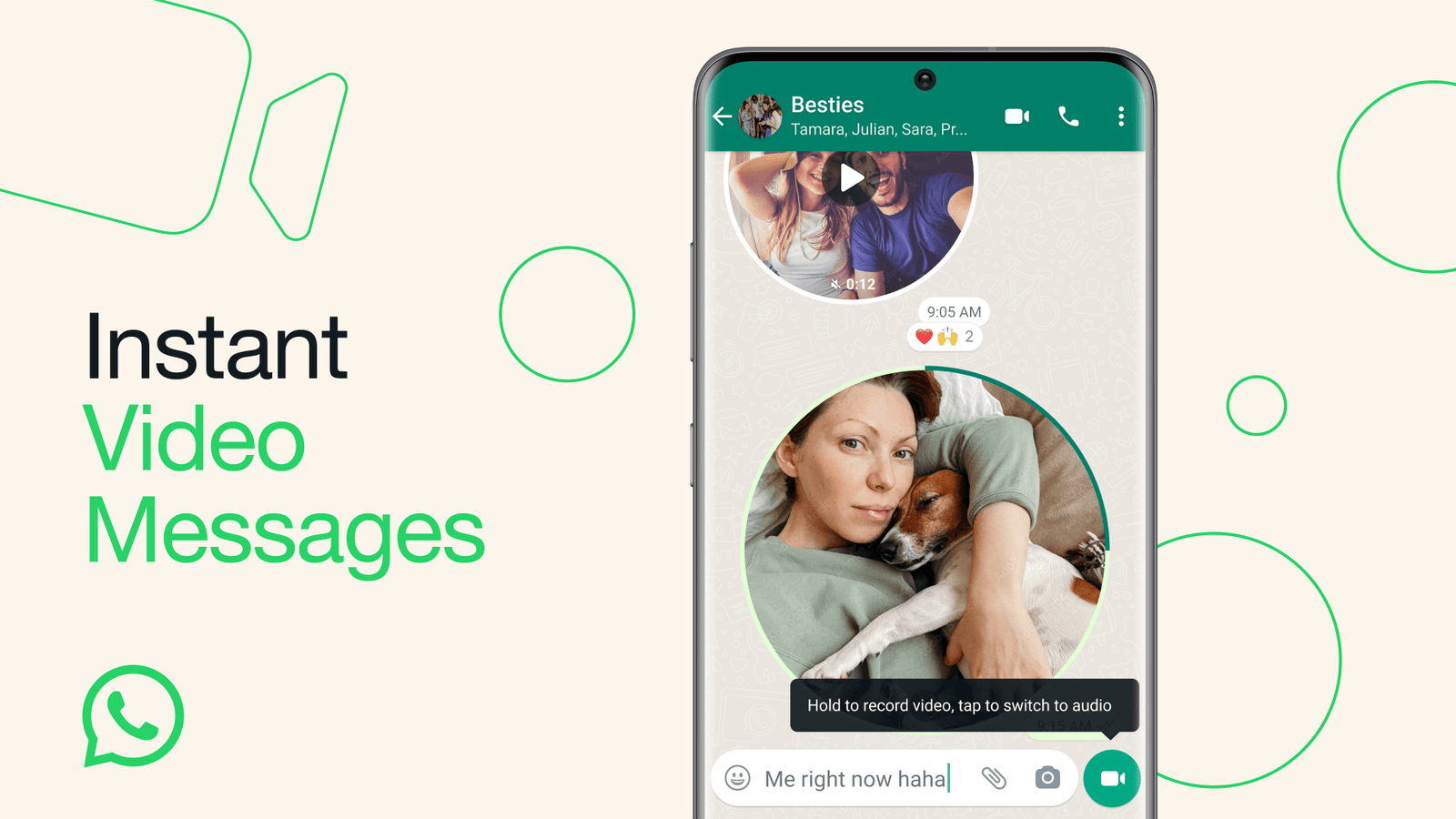


WhatsApp has once again raised the bar by introducing instant video messages. This innovative feature builds upon the already popular voice messages, offering users a more dynamic and interactive way to communicate.
Instant video messages are a real-time response tool that allows users to record and share personal videos directly in their chats. With a maximum duration of 60 seconds, these video messages provide a fun and engaging way to share life’s moments.
Whether it’s to wish someone a happy birthday, share a hearty laugh over a joke, or deliver some exciting news, instant video messages capture the emotion and immediacy that only video can provide.

Read About: How to use WhatsApp instant video messages
How to send WhatsApp instant video messages
The process of sending a video message is as straightforward as sending a voice message. To switch to video mode, simply tap the appropriate icon.
Hold down the record button to capture your video, or swipe up to lock the recording function for a hands-free experience. Once sent, the video messages will play automatically (albeit on mute) when opened in a chat. To hear the sound, the recipient just needs to tap on the video.
In line with WhatsApp’s commitment to user privacy, these video messages are safeguarded with end-to-end encryption, ensuring that your communications remain secure and private.
Read About: How to transfer WhatsApp chats using a QR code scan
WhatsApp has started rolling out this feature, and it will be available to all users in the upcoming weeks. So, get ready to embrace this new way of communicating and start sharing your moments in a more lively and interactive way with WhatsApp’s instant video messages.


