


Multichoice has today unveiled an Enhanced Decorder Notification (EDN) functionality which is an alternative direct communication that will appear on customer’s decoder to give alert on various messages.
ALSO READ: A list of all countries where Showmax Pro has been rolled out
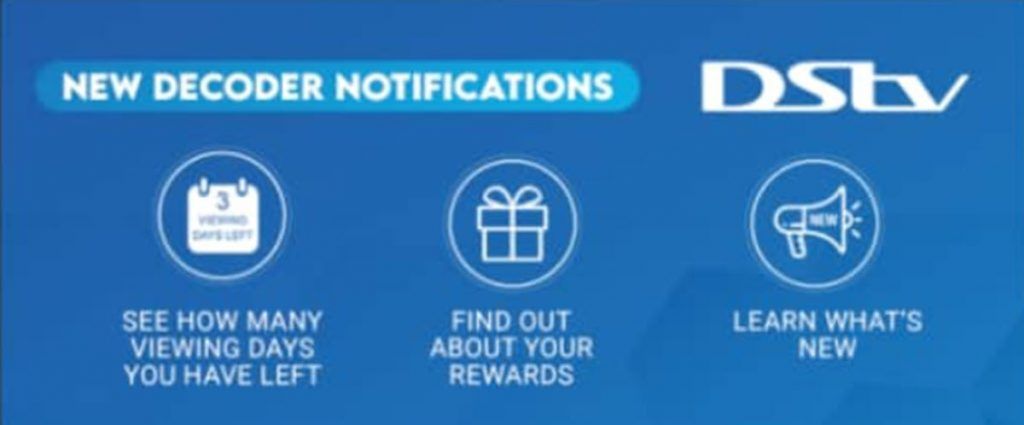
The messaging icons representing different (notifications) include the countdown calendar to show users how many days are remaining to their next subscription, gift box to find about more about your rewards), content push, and generic message will be displayed prompting users to press okay in order to read the message.

The new Enhanced Decorder Notification (EDN)
How to Access
If you see any of these icons above on your TV screen, press the OK button on your remote and use the arrow keys to scroll through the different notifications.
How to Delete
When done reading the message, you can press OK again in order to delete it from your inbox. For payment notifications, the icon reminder will re-appear every day, even after you have deleted it.
How to Opt-out
For payment notifications, you also have the option of opting out. This means you won’t see the alert again until your next billing cycle.


 functionality which is an alternative direct communication)