

Privacy is starting to become more and more of a bigger issue with the evolution of technology and along with consumers, brands too are beginning to get the hint. Google made privacy perhaps the biggest element in the new Android 10 update and now more of the company’s apps are starting to offer minute privacy controls, including Google Maps.
Google Maps was often concerning for users since the app, once linked with your Google ID practically kept track of wherever users were or traveled to. The statistics calculated overtime for individuals would help Google decipher more accurate results when the users searched for broad terms on the web.
READ ALSO: Google Maps is now available in Swahili

While the feature was announced a few months ago, the actual update has started rolling out now but only to a few users who are part of the Google Maps Preview Test.
The incognito mode will feature and work everywhere the regular Google Maps functions. Users will also be able to turn it on or off easily with a toggle as they do on Chrome or other Chrome Apps.
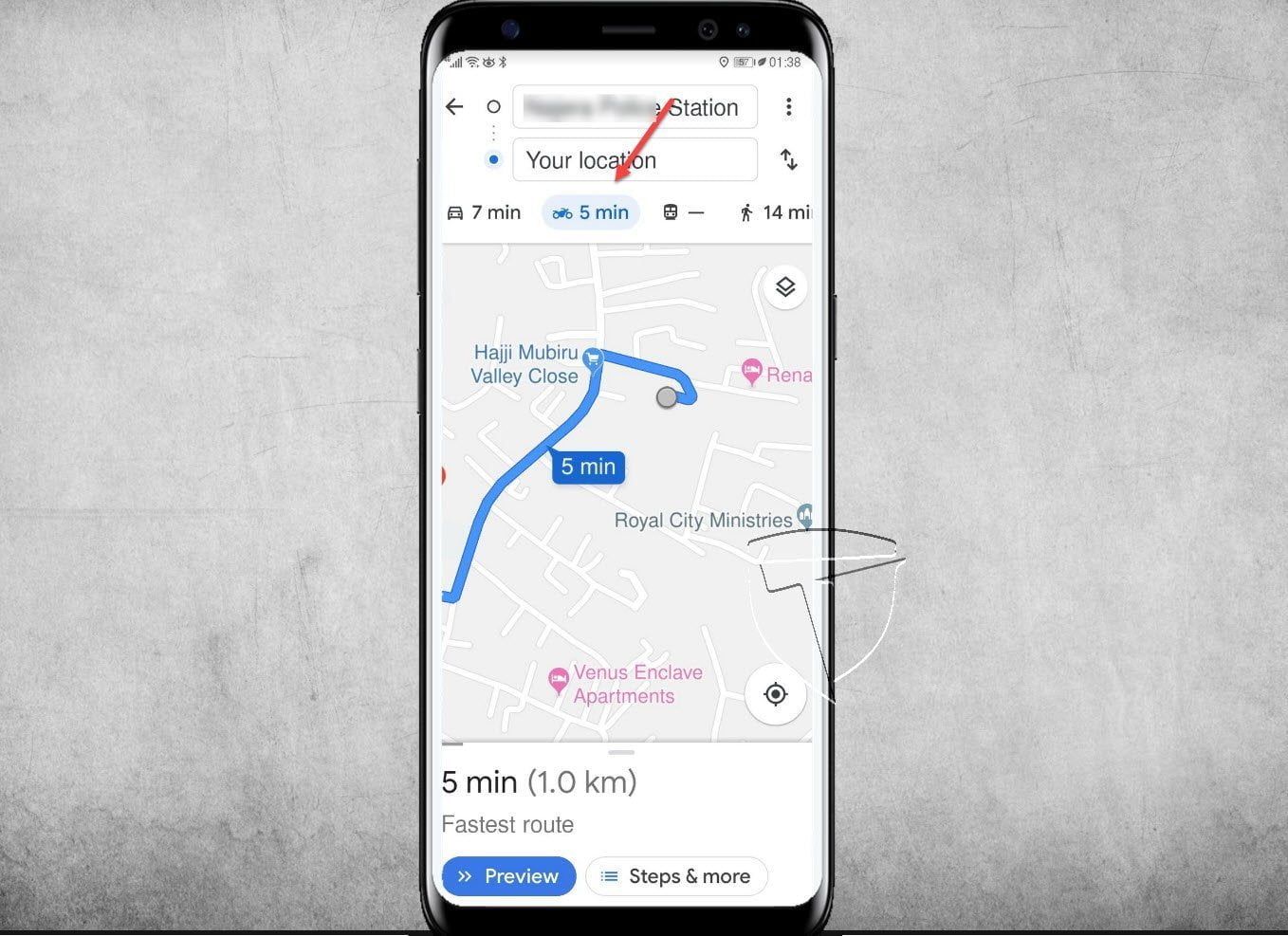
In July, Google started offering a detailed map for Boda-Boda ride-hailing services in Uganda and across the continent, aimed to capture new users and expand its appeal beyond just car drivers. The map features allow bike riders to see the Boda-Boda turn by turn direction on Maps and other nitty-gritty features like telling the user the best options available on traffic, weather and road conditions.


