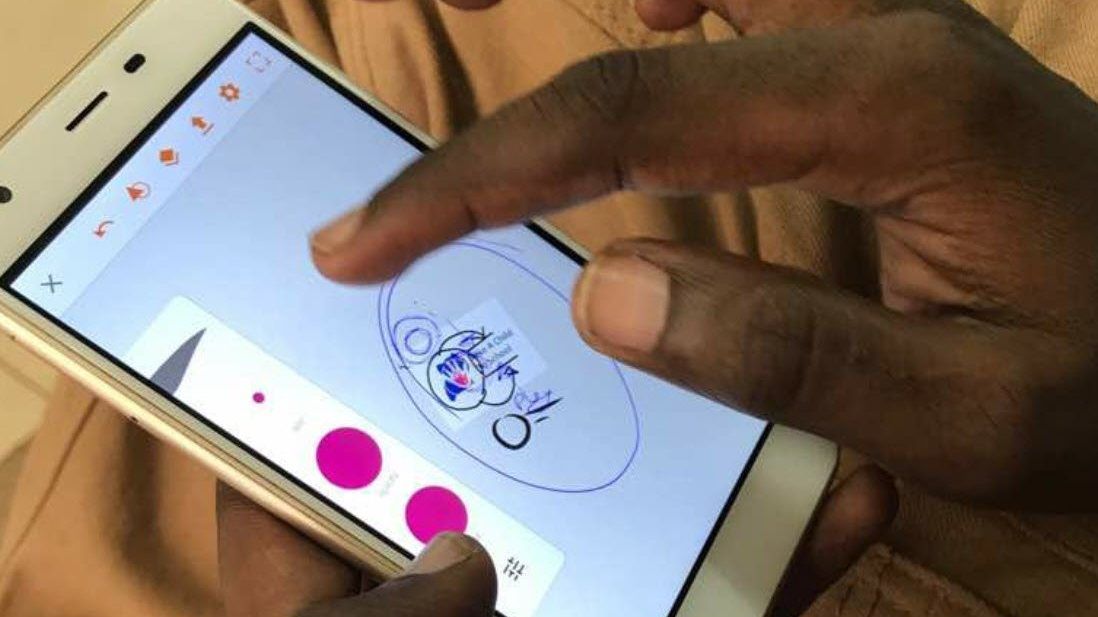


Touch glitches also known as Ghost Touch is when your smartphone screen responds to presses that you’re not actually making, or when there’s a section of your phone screen that’s completely unresponsive to your touch. This effect varies from device to device, but it seems to be more common in some devices than others.
These could be due may be manufacturing defects, a cloned or counterfeit phone or a previous damage to the phone especially if you have a second hand device. All of that is to say, if you’re having a touch glitches issue, it’s probably not a problem with the software but with the device it’s self.
This means touch glitches are a hardware problem with your smartphone display and the way its housed inside the chassis of your phone. If you’re an adventurous of an engineer and love taking electronic devices apart (and have all the electronic tools required), multiple people have reported success simply from disconnecting the screen from the data connectors.

In case of water or dirt damage especially beneath the screen protector, it is likely to cause ‘phantom’ presses that aren’t being made. Which means there is no actual cause, or fix, for the touch glitches problem, however, so you’ll have to use some trial and error if out of warranty.
For some devices, using a screen testing app can show up dead zones that might be helped with some of the suggestions below.
How to fix touch glitches
The most simple and easy way to fix touch glitches may be something which is not even related to the screen itself.
If you’re lucky, the problem for you is being caused by a screen protector that’s got a tiny piece of dirt stuck behind it. The advice there is to remove it, clean your screen thoroughly and then replace the screen protector. However, if you’re suffering from more severe (i.e. actual) ghost touch problems, your options aren’t quite as straightforward.
Take for repair or Return it
The unequivocally best way to fix the touch glitches problem is to return the device to the dealer especially if you still have warranty, for a replacement. The whole point of a warranty, is to get a replacement in exchange for the faulty one, though some may opt to replace the screen instead to try and resolve the issue. Which means its always good to buy from genuine smartphone dealers.
Also Read: UCC in final stages of switching off fake phones
Although this is a simple option, it’s probably not the quickest unless you’re walking into a store to hand it over for a new one. If your handset is out of warranty, you’d probably have to pay for repairs and a swap won’t be offered. Either way, you would say good bye to the touch glitches issue.
If you’re an electrical engineer
If you have the right tools available to crack (metaphorically speaking) open your device and disassemble it, you stand a good chance of getting your screen working again if it’s suffering from the ghost touch problem. Many people (and indeed, many more YouTube videos) suggest that taking the phone apart, disconnecting the screen from the data connectors and reseating all of that has been enough to fix the problem for them.
You could, of course, pay a third-party repair shop to reseat your screen in the connectors for you to see if it fixes the touch glitches issue, which would be cheaper than a whole new panel.


