


For those tired of their current Microsoft Office user interface (UI), the company will soon sort you out. This comes after they teased the future of its Office UI and design today, and it involves some big changes to the current interface. The software giant has been gradually improving Office with its Fluent Design system over the past couple of years — adding new icons, a dark mode, and changing the ribbon toolbar by making it smaller and easier to use. The next stage of Microsoft’s Office design sees the company focus even further on simplicity.
According to the corporate vice president of design and research at Microsoft Jon Friedman says “The next wave of Microsoft 365 UX changes will go even further by fading brand colors from app headers and exploring adaptive commanding,This lets you move a simplified toolbar around the screen to wherever you find it most helpful, using progressive disclosure to contextually reveal commands.”
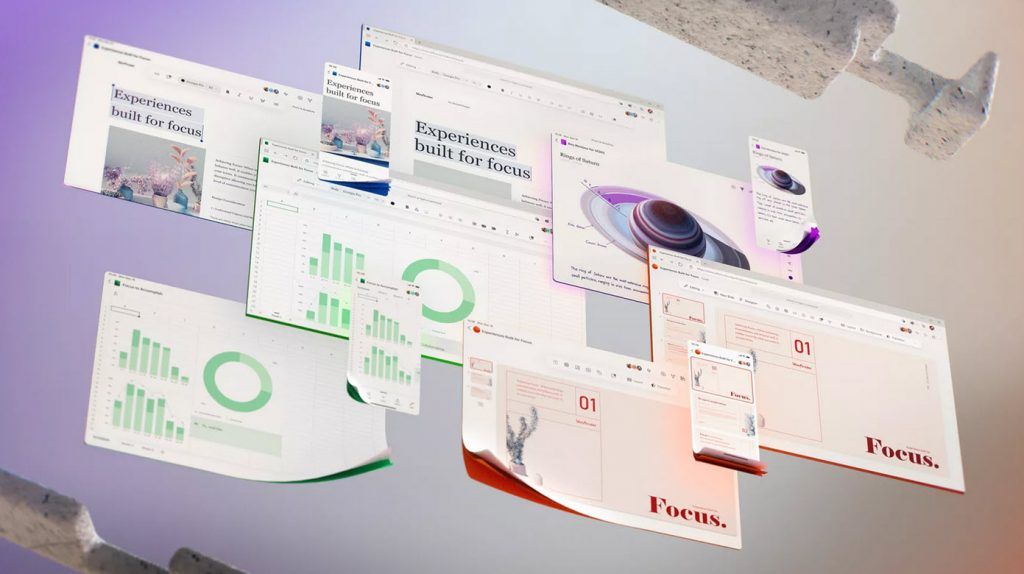
Microsoft originally introduced its current ribbon interface into Office 2007, and the company is now ready to move beyond it. Microsoft has been gradually simplifying the ribbon across mobile and the web, but the new designs shared today are certainly a big step beyond the ribbon. Microsoft’s simplified Office interface puts a lot more focus on the actual content you’re creating, rather than the chrome.

There were other changes which include a simple app icon at the top of apps to indicate which Office app you’re using, and the centralized search or command bar taking the center stage. Microsoft has been emphasizing this search and command bar interface in Office in recent years, and it’s a feature that also exists in Microsoft Teams.
Friedman said that , “We’ll be further advancing our seamless, cross-suite Search to bring relevant information right to your fingertips. Throughout, we’re grounding everything we build in deep research into the nuances of attention. Some moments call for lengthy, sustained concentration. Others, such as many mobile scenarios, are optimal for micro-tasking. By designing for multiple cognitive states, focused experiences throughout the Microsoft 365 ecosystem minimize external distractions, lessen self-interruptions, and jumpstart flow.”
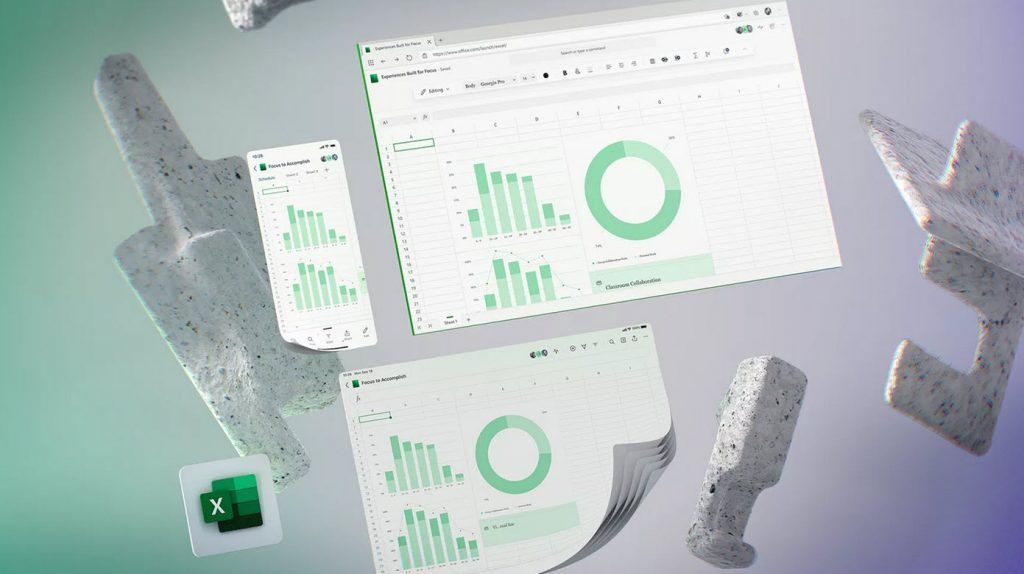
It is still unclear when these changes will arrive in Office apps, the web, and elsewhere in Microsoft 365. “While some of these changes will roll out within a year or two, others are still very much exploratory,” says Friedman. Microsoft is also “conducting global studies” to better understand how work needs are changing during this pandemic, and to help the company design its software accordingly.


, the company will soon get you sorted. This comes after they teased the)