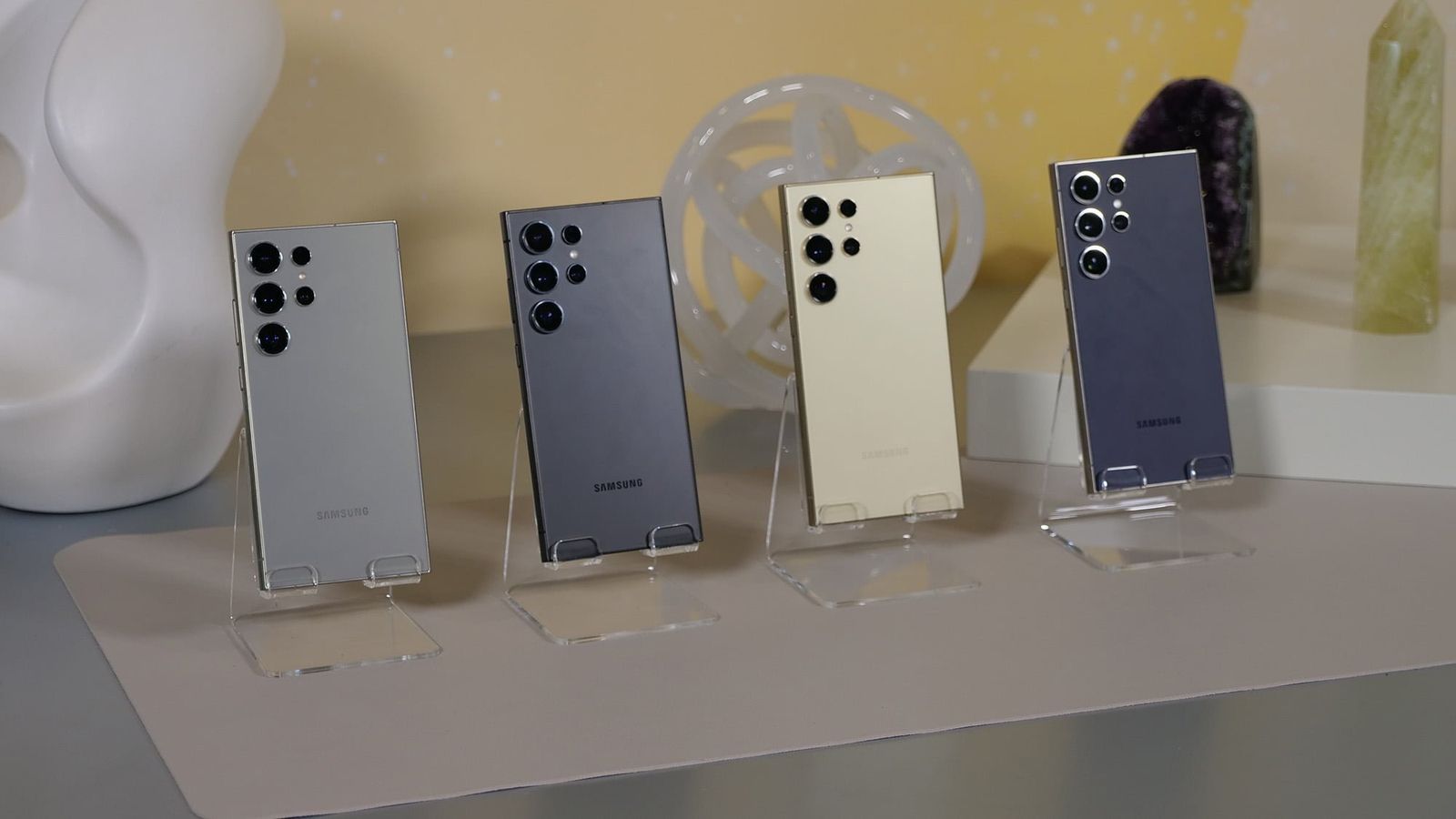


Samsung has once again taken the lead with its latest innovation—the Galaxy S24 series. This new flagship not only boasts impressive hardware but also introduces the world to Samsung’s cutting-edge One UI 6.1 software.
One of the standout features of this new software is the revamped and rebranded Samsung Find app, which promises to redefine the way we locate devices, items, and even our loved ones.
With the introduction of One UI 6.1, Samsung has not just updated its Android skin but has also taken a bold step by spinning off the SmartThings Find feature into a standalone app called Samsung Find.

This marks a significant shift from the conventional device-focused tracking to a more holistic approach that includes both items and people.
READ ALSO: Samsung Galaxy Ring
Everything we know about the Samsung Find app
The Samsung Find app comes with three distinct tabs: Devices, Items, and People.
The Devices tab allows users to keep track of the location of their devices as well as those of their family members. This move transcends mere device tracking, providing a sense of security and real-time awareness for families.
Meanwhile, the Items tab aids in locating Galaxy SmartTags attached to essential items like keys or wallets. Lastly, the People tab allows users to share their live location with family members, fostering a new level of connectivity and safety.
Redefining connectivity and security
The evolution of Samsung Find under One UI 6.1 goes beyond the conventional tracking of devices. By introducing features like tracking family members and live location sharing, Samsung aims to enhance not only the security of its users but also the connectivity within families.
The People tab, in particular, brings a new layer of assurance, allowing users to stay connected in real-time and ensuring the well-being of their loved ones.
The decision to separate SmartThings Find into a dedicated app, Samsung Find, is a strategic move. It simplifies the user experience, making device, item, and people tracking more intuitive and accessible.
The app’s preloading on the Galaxy S24 series underlines Samsung’s commitment to providing these advanced features right out of the box.
However, it’s essential to note that the “Notify When Left Behind” feature, previously available in SmartThings Find, is currently absent in Samsung Find. Whether this feature will be reintroduced in subsequent updates remains uncertain.
Insights into One UI 6.1
According to reports, the One UI 6.1 update not only introduces Samsung Find but also brings forth several AI features. Among these, the Circle to search and Live translation functionalities stand out. The Circle to search feature uses AI to identify and locate items within a circular field, streamlining the search process.


