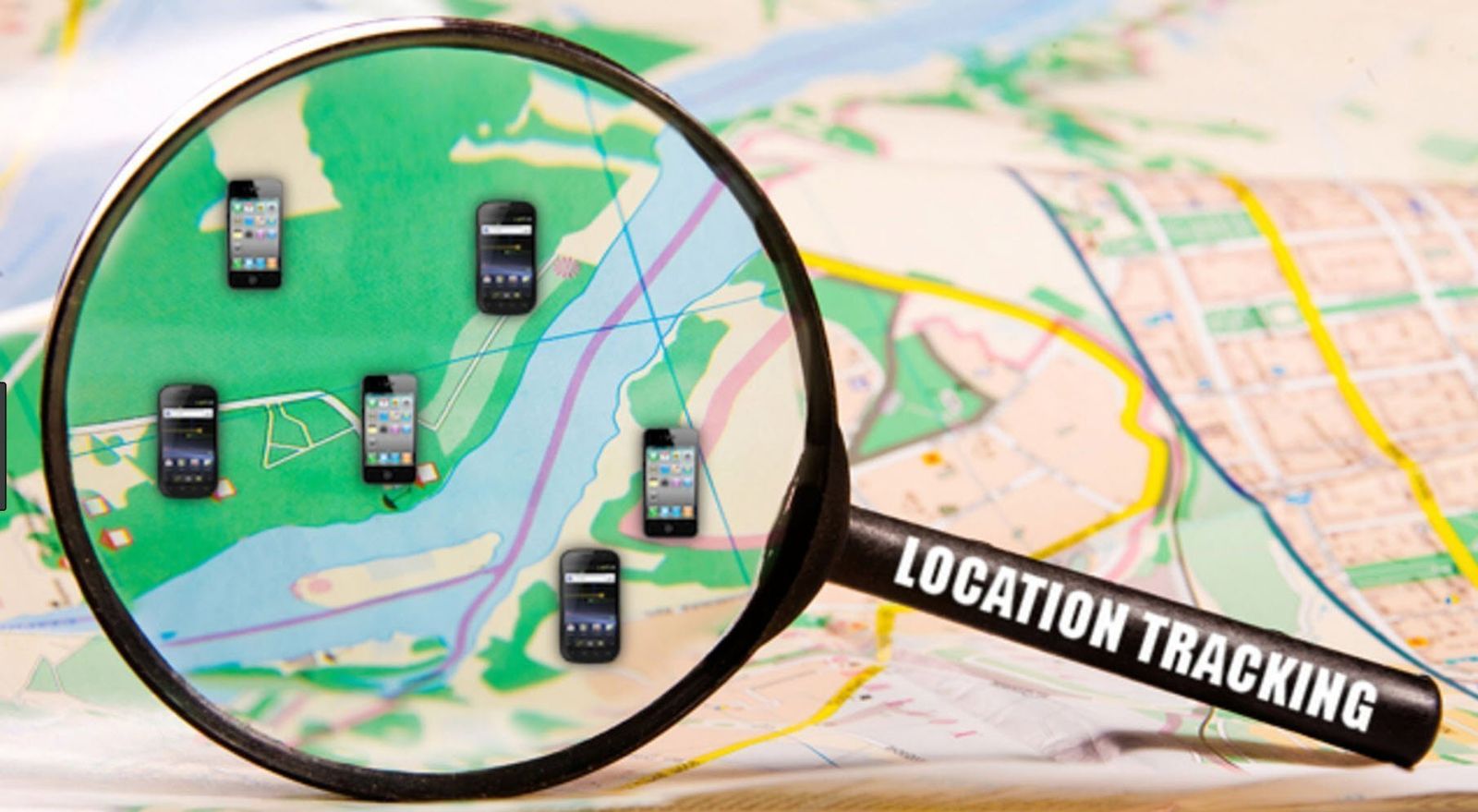


We are sure you have noticed that most times you set up an Android device, you’ll be asked if you want to share your location data. This an opt-in feature that Google automatically adds for legal reasons. It will basically track your movements and show your Location History, which you can look at in the Timeline section of your Google Account of you please.
Location history can provide useful information such as automatic commute predictions or improved search results. But not everybody is comfortable with their every step being tracked. Even if you trust Google, if you lose your device then that data could be seen by somebody with malicious intent. Here’s how to turn off Android location tracking if you no longer want it.
How to turn off location tracking
From your Android phone

Just follow these simple steps to turn off location tracking
- Open Settings
- Scroll down to Security & Location, then hit Location
- You’ll see an on/off switch in the top right. Use this to turn location services on or off altogether.
- Tap on Location > Google Location History
- Once again there’s a button in the top right that lets you turn your location history on or off

From your computer
On a computer, go into https://myaccount.google.com/activitycontrols > Activity Controls > Manage Activity and then toggle the bar on Pause Location History; a pop-up tells you what you are and aren’t disabling, and provides a link to where you can delete your location history altogether.


