


There is a lot of important safety precautions associated with using your mobile device or smartphone. We often neglect to read these manuals but skimming through may go a long-way in the ensuring the longevity of your smartphone.
Read this information before using your mobile device as they will provide the health and safety tips you might need.
Charging your mobile device
To avoid electric shock and damage to your device, do not charge device while it is wet or in an area where it could get wet. It is also recommended not handle mobile device, charger or cords with wet hands while charging.

Maintaining dust and water resistance
Many smartphones nowadays come with some IP rating meaning it has some water and dust resistance rating. For example the Galaxy s10 is rated IP68 using the Ingress Protection rating system. Mobile device makers test these phones in controlled environments to ensure that the phones are water and dust resistant in certain circumstances. Despite this classification, smartphones are not impervious to water damage in any situation. It is important that all compartments are closed tightly.
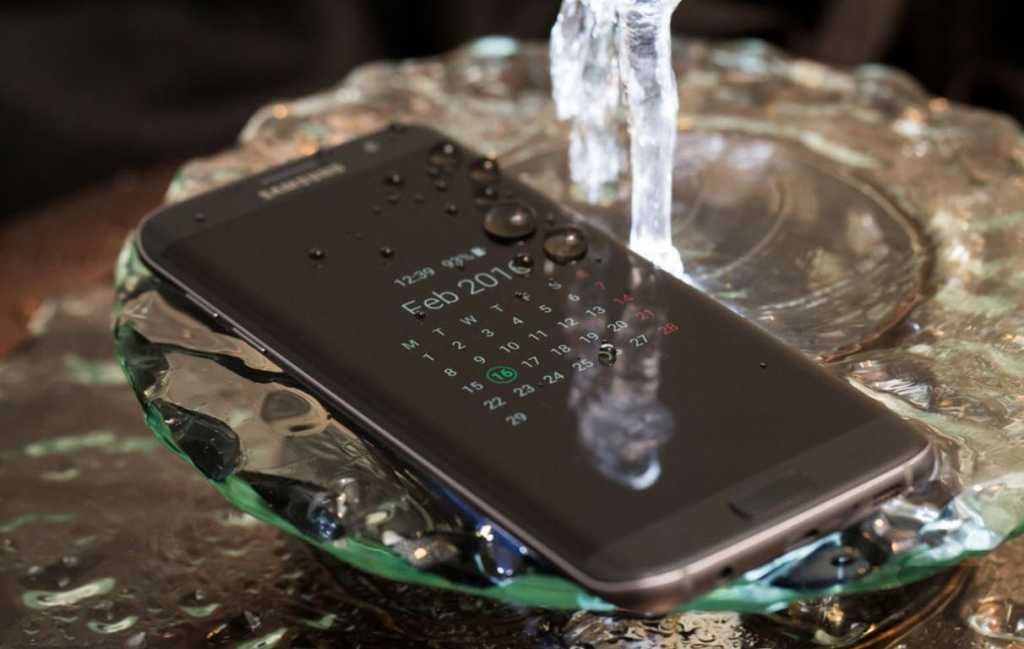
Follow these tips carefully to prevent damage to the device:
- Any device which uses accessible compartments or ports that can be opened should have these sealed or closed tightly to prevent liquid from entering the system.
- Whenever the mobile device gets wet, dry it thoroughly with a clean, soft cloth, or try this tip.
- Water resistant based on IP68 rating, which tests submersion in fresh water up to 1.5 meters for up to 30 minutes. If device is exposed to fresh water, dry it thoroughly with a clean, soft cloth; if exposed to liquid other than fresh water, rinse with fresh water and dry as directed.
You should also note;
- Avoid exposing the device to water at high pressure.
- If the device is dropped or receives an impact, the water and dust resistant features of the device may be damaged.
- The touchscreen and other features may not work properly if the device is used in water or in other liquids.
Card tray removal tool

You should be cautious when using this SIM removal tool. You are advised to exercise care when using the card tray removal tool to eject the internal card tray.
Device temperature
Some applications or prolonged usage may increase device temperature. Prolonged skin contact with a device that is hot to the touch may produce skin discomfort or low temperature burns. If the mobile device feels hot to the touch, its advisable to discontinue use and close all applications or turn off the device until it cools.
Its always good to ensure that the mobile device has adequate ventilation and air flow. Covering the device can significantly affect air flow, may affect the performance of the device, and poses a possible risk of fire or explosion, which could lead to serious bodily injuries or damage to property. Covering the device can trap any dissipating heat and redirect it back to the device while it is active.
Sound and hearing

Always avoid potential hearing loss by not exposing yourself to loud sounds for a prolonged period of time. The risk of hearing loss increases as sound is played louder and for longer durations. The amount of sound produced by a portable audio device (including headsets, earbuds, and Bluetooth® or other wireless devices) varies depending on the nature of the sound, the device settings, and the headphones that are used. As a result, there is no single volume setting that is appropriate for everyone or for every combination of sound, settings and equipment.
Restricting children’s access to your mobile device
Adults should know that their smartphones are not toys. Therefore, do not allow children to play with it because they could hurt themselves and others, damage the device, or make calls that increase your mobile device bill. Always keep the mobile device and all its parts and accessories out of the reach of small children.


