

Tracking has always been controversial in modern days where people value privacy and security. Some apps like Snapchat will not give not give you access to their filter library unless you enable some features including location.
However, when used thoughtfully, it can be an efficient and powerful tool communication between the parties involved. From sharing where you are when meeting someone new to letting parents or colleagues know your whereabouts, all this had its fair share of benefits.
Here are four ways to share your whereabouts on your mobile device:
33. Sharing location using Google Maps:
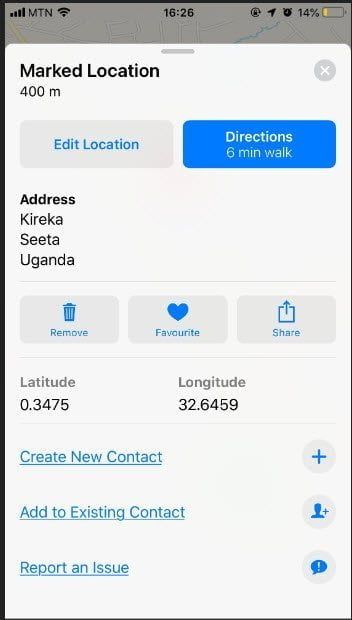
Google Maps is one of the most convenient options when it comes to finding where you are and discovering places you have never been to, however you can share your whereabouts live or drop a red pin on some other address to share the coordinates and directions.
Enter Google Maps and find the place you want, then press and hold on the area of the map which you wish to send. The Google maps red “pin” icon will drop onto the map, with the address below. Tap the address and the “save” or “share” options will become available. Tap on Share to send it to someone.

